Make ads and post them on every network
Paste a product link and get on-brand ads in about a minute. Then schedule them to nine networks and review everything in one calendar.
Free plan with monthly ad credits. No card needed.

Two jobs most brands pay two tools for
Making scroll-stopping creative and getting it out on time. Start with either one.
From product page to finished ads in about a minute
- Import from a linkPhotos, price, description and real reviews come straight from your store.
- On-brand by defaultYour logo, colors, fonts and tone of voice are read from your site and used in every ad.
- Six designs, four sizesSquare, portrait, story and pin, so one product covers every placement.
- Edit anythingChange the words, photo, colors or layout, or ask the AI for a fresh rewrite.
- AI product scenesPut your real product photo in a new lifestyle setting, without a photo shoot.
One composer and one calendar for nine networks
- Write once, tailor per networkLive character counts and media rules for every network you pick, so nothing is rejected at posting time.
- A calendar you can read at a glanceScheduled, published and failed posts in one month view. Click any day to fill a gap.
- Their timezone, not yoursSchedule for when your audience is awake. Daylight-saving shifts are handled for you.
- Images, carousels and videoReels, Shorts and TikTok included. Uploads go straight to fast storage.
- Honest statusSee which networks published, open the live post, or read the error and retry in one click.
How a product link becomes a week of posts
Paste a link
We read the product page the way a shopper would and keep what sells.
Check your Brand Kit
Logo, colors, fonts and voice, filled in from your site. Adjust once, used everywhere.
Pick and polish
Get up to eight ads with different angles. Keep the best, edit the rest.
Schedule it
Send any ad to the composer with its caption, pick networks and a time, done.
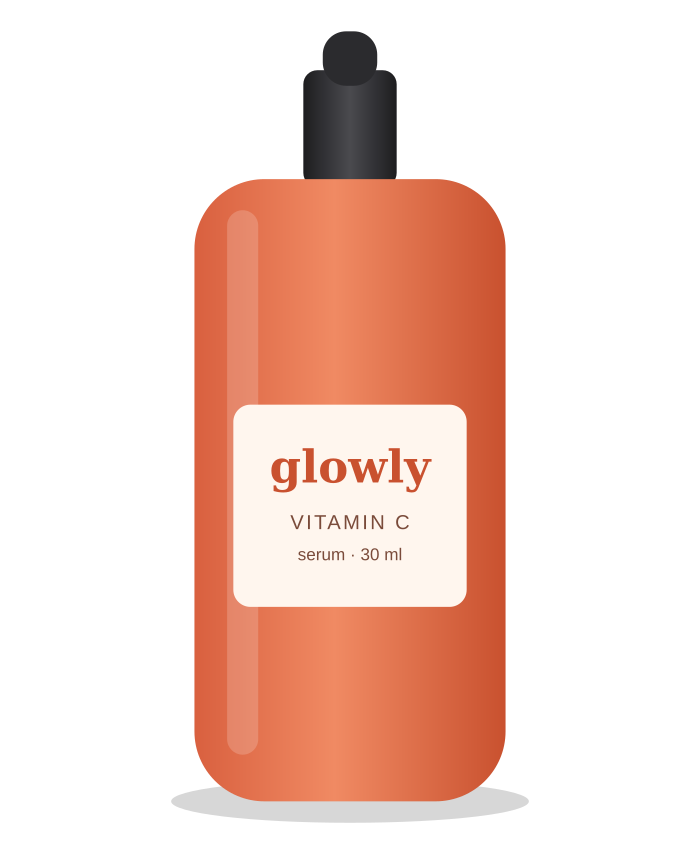
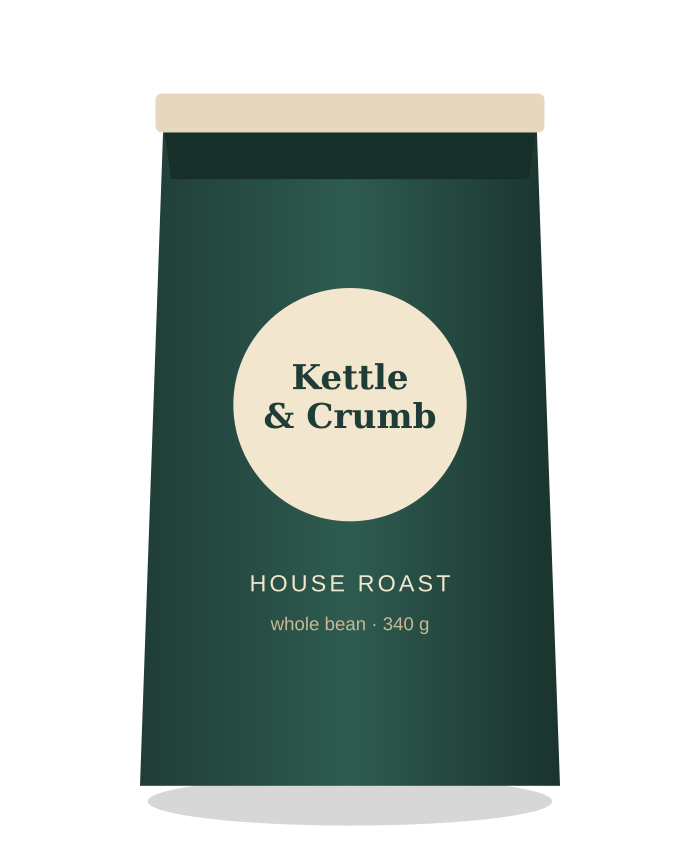
Ads that look designed, because they are
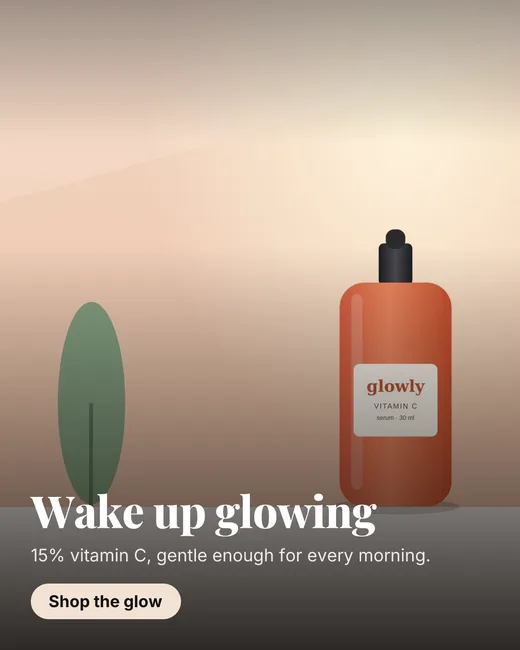
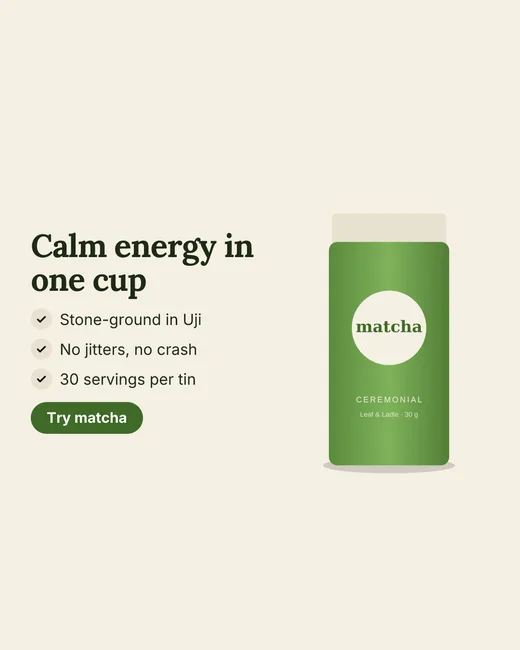
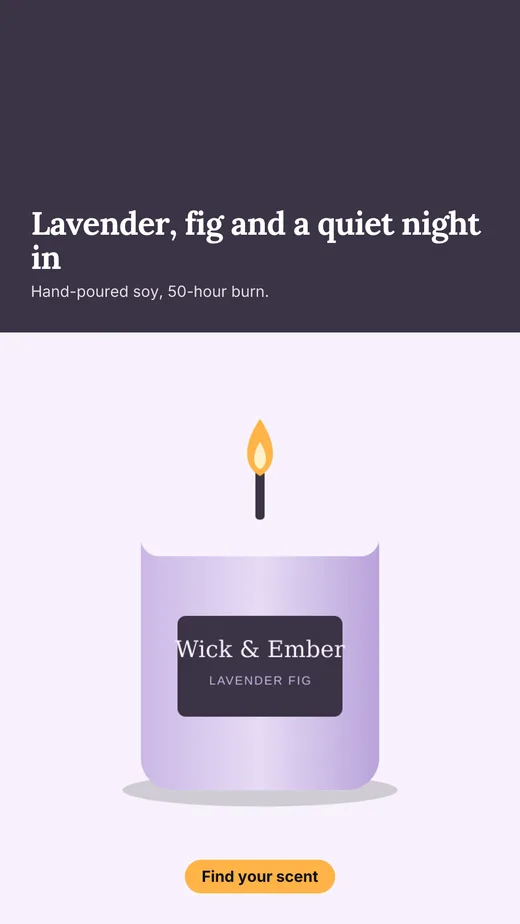
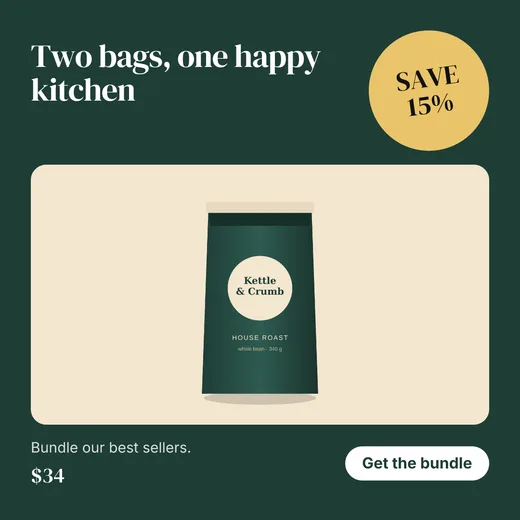
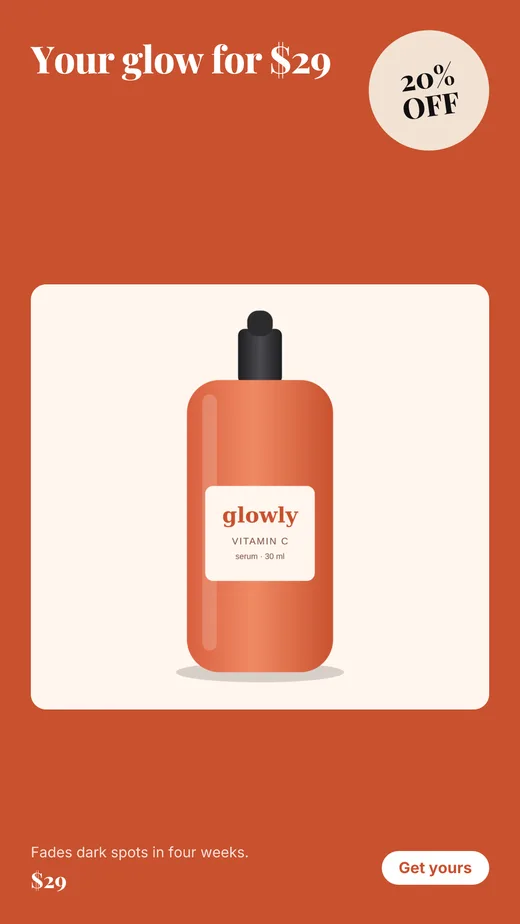
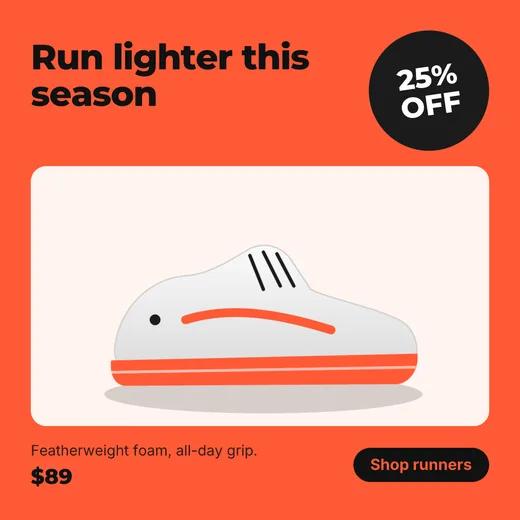
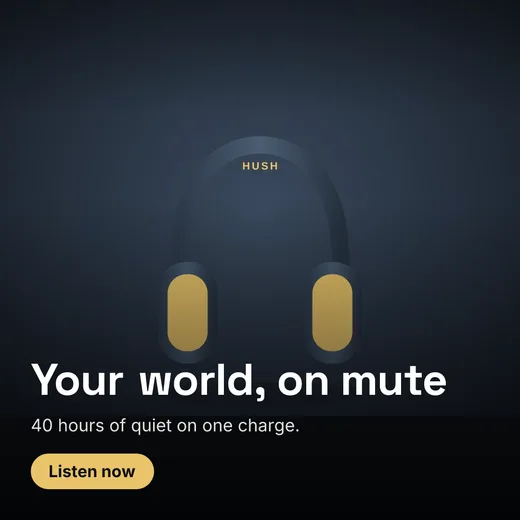
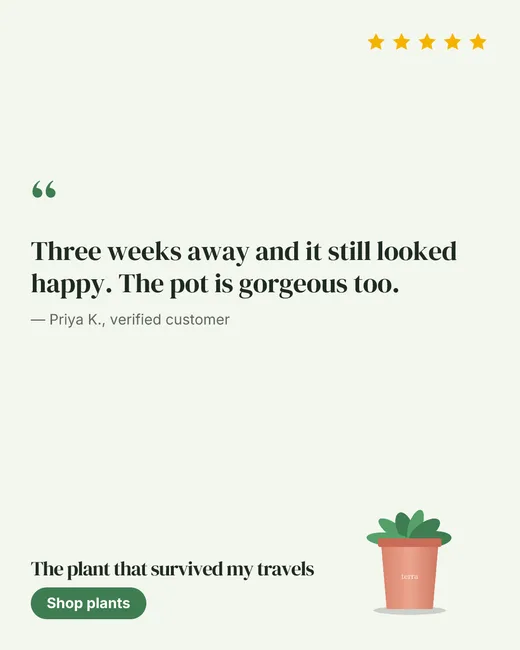
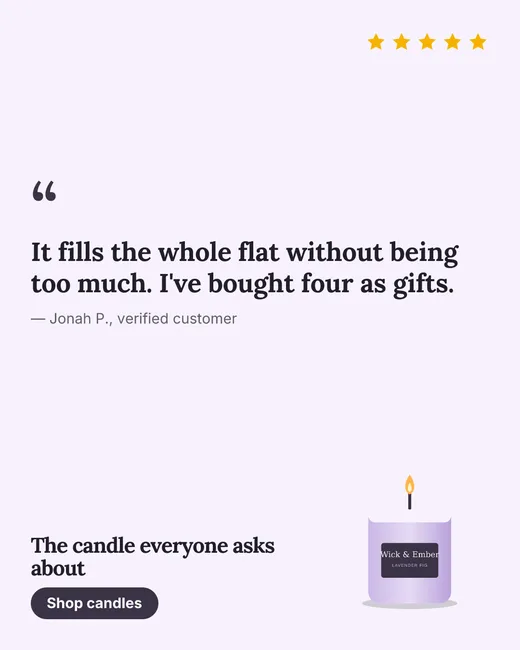
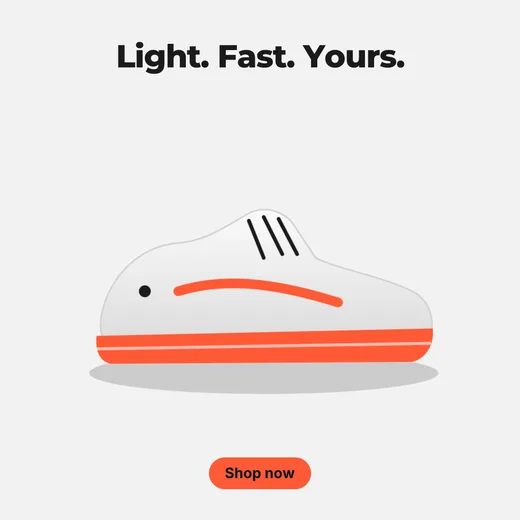
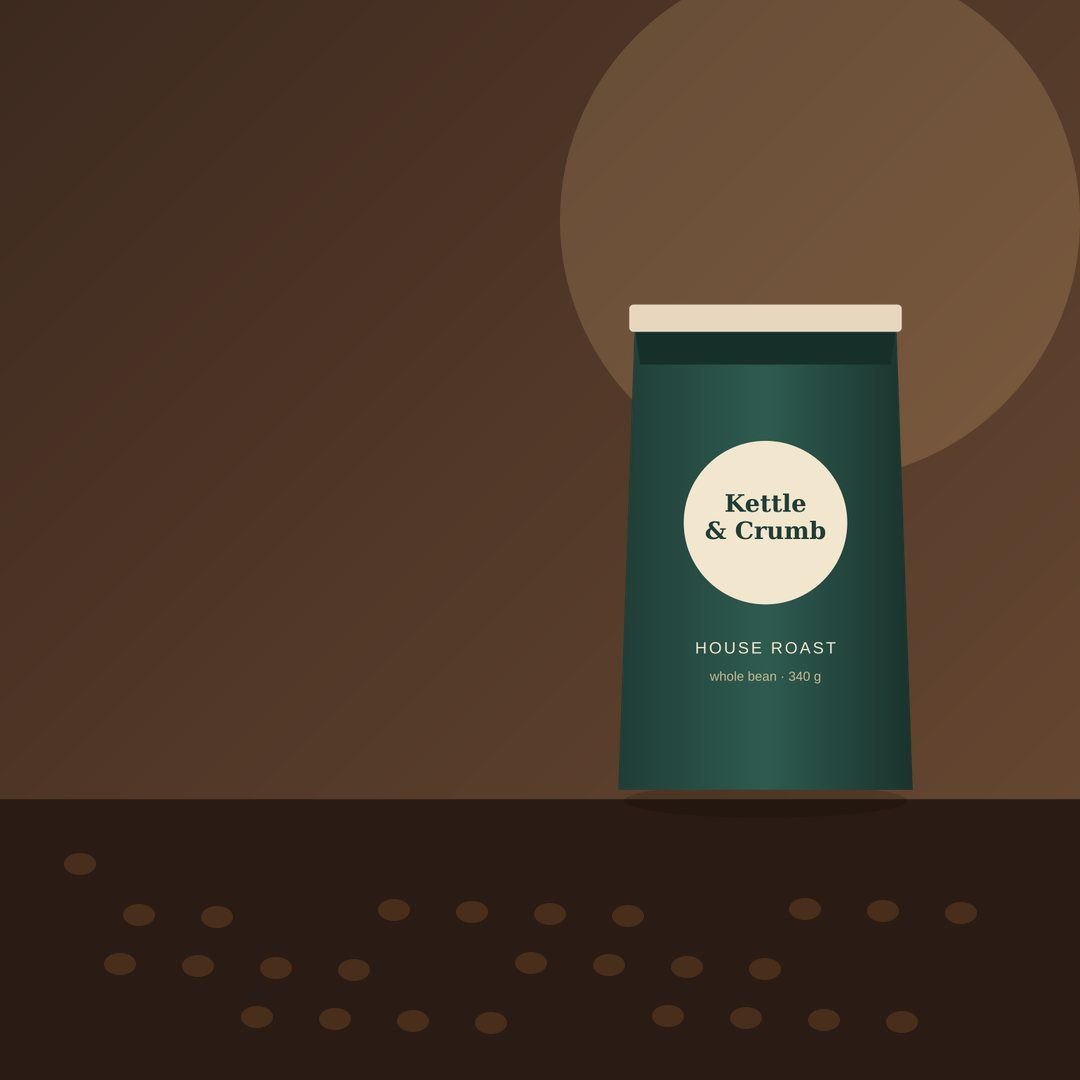
Every template is built by hand, then filled with your product, your words and your brand. Pick a design, and every size comes with it.
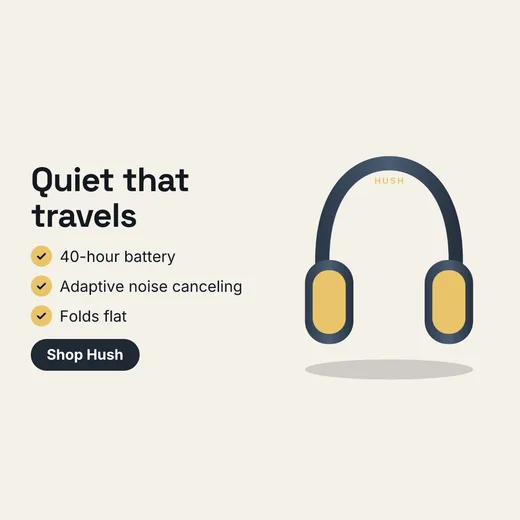
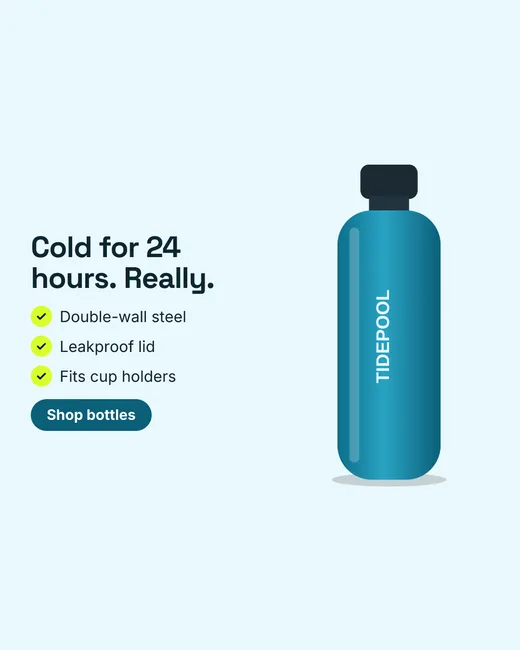
- Six designsHero photo, split, offer, benefits, review and minimal
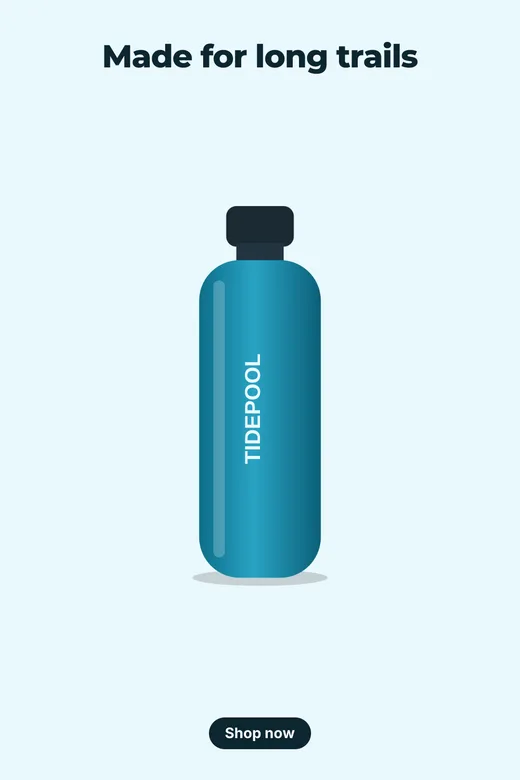
- Four sizesSquare and portrait for feeds, 9:16 for Stories, Reels and TikTok, 2:3 for Pinterest
- Real detailsYour prices, discounts and customer reviews, never invented ones
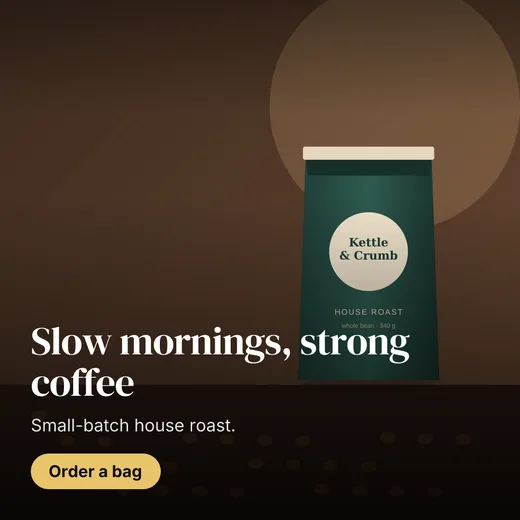
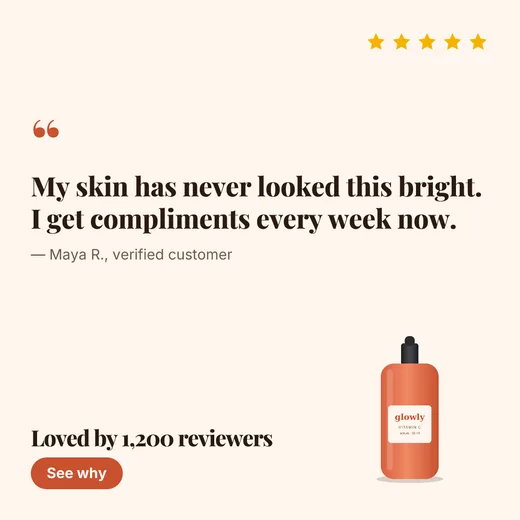
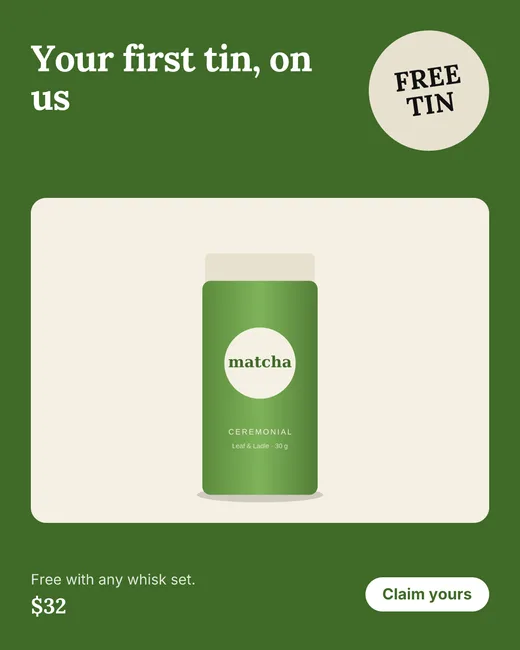
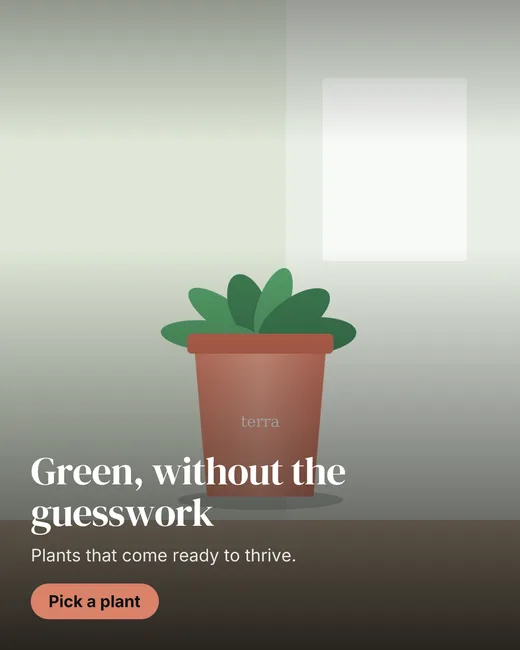
The examples here are for made-up brands, made with the same templates you get.
The usual way
- Brief a designer, wait days for a first draft
- Resize every ad by hand for each placement
- Copy captions into nine apps, one by one
- Find out a post failed when someone tells you
With Nextpost Social
- Ads from your product link in about a minute
- Square, portrait, story and pin from one click
- One post, every network, on schedule
- A clear status and one-click retry for every post
Simple pricing
Every plan includes the scheduler and Ad Studio credits. One ad uses 10 credits, and an AI product scene 10 more. Need more? Credit packs never expire.
Starter
For trying it out
forever
- 2 social accounts
- 30 scheduled posts / month
- Content calendar
- Ad Studio: 10 ads / month
Creator
For creators and solo marketers
per month
- 8 social accounts
- Unlimited scheduled posts
- Images and video
- All 9 platforms
- Ad Studio: 100 ads / month
Agency
For teams handling several brands
per month
- 30 social accounts
- Unlimited scheduled posts
- Ad Studio: 400 ads / month
- Priority support
- Everything in Creator
Questions, answered
What do I need to make ads?
Just a link to a product page. We read the photos, price, description and reviews from Shopify, WooCommerce, Wix, Squarespace and most other stores. No store? Add the product by hand.
Will the ads look like my brand?
Yes. The first time you import, we build a Brand Kit from your site: logo, colors, fonts and tone of voice. You can change any of it, and every ad uses it.
Does the AI make things up about my product?
The copywriter is told to use only facts from your product page: no invented discounts, awards or claims. You can edit every word before anything goes out.
What are credits?
Ad Studio runs on credits. Every plan includes a monthly amount that refills on the 1st, and you can buy extra packs that never expire. If something fails, the credits come back automatically.
Which networks can I schedule to?
Facebook Pages, Instagram (Business and Creator), X, LinkedIn, TikTok, YouTube, Threads, Bluesky and Pinterest.
Is it safe to connect my accounts?
You sign in on each network's own page, so we never see your password. Access tokens are encrypted, and you can disconnect any account at any time.
What happens if a post fails?
You'll see the network's reason next to the post and can retry with one click once it's fixed. The other networks in the same post aren't affected.
Can I use the ads anywhere?
Yes. Download any ad as a PNG for paid ads, your store or email, or schedule it straight to your social accounts.